Importing Pod Designs
The import function uploads a copy of a pod design on your local PC to the pod design folder on the NETLAB+ server. Import is the opposite of export. You can use the import function to restore a backup copy of your pod designs. Import and export can be used to share pod designs with other users and/or other NETLAB+ systems.
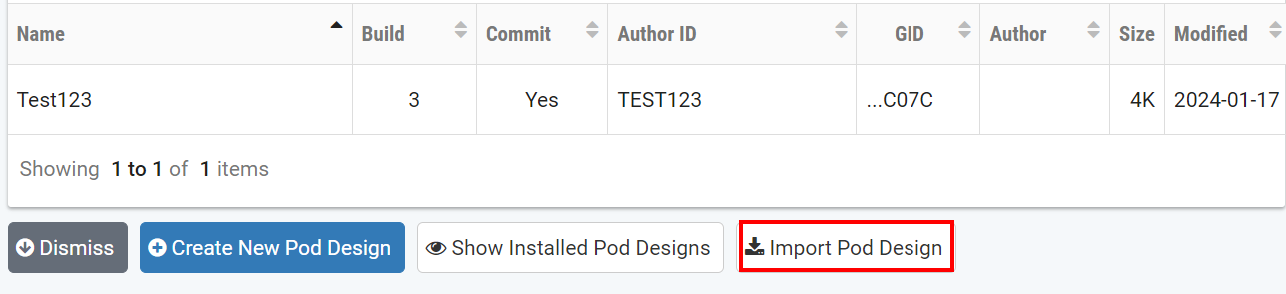
Select the Import Pod Design button located at the bottom
of the Pod Designer page.
Select the upload button to browse to the location of the file,
which must end with a .npd extension.
Select the OK button to upload the specified pod design.
Note
Importing does not automatically make the design available for use. You must install the pod design before it can be used to create pods.