Advanced Settings Reference
NETLAB+’s Advanced Settings are based on simple key=value strings. Advanced
settings allow pod designers to take advantage of new features and capabilities
that are still evolving and do not have a corresponding user interface in
NETLAB+. Advanced settings for a pod design can be accessed and viewed from the
Advanced tab. Enter configuration directives, one per line in the text area. Each line may contain one of the following elements:
A
key=valueconfiguration directive.A blank line.
A comment beginning with the pound symbol (#) in the first column.
Configuration directives may be complemented or replaced by user interface elements in future versions of NETLAB+.
To view the Advanced Settings, click on the Advanced tab.
To modify the Advanced Settings, click on the Modify Advanced Settings button.
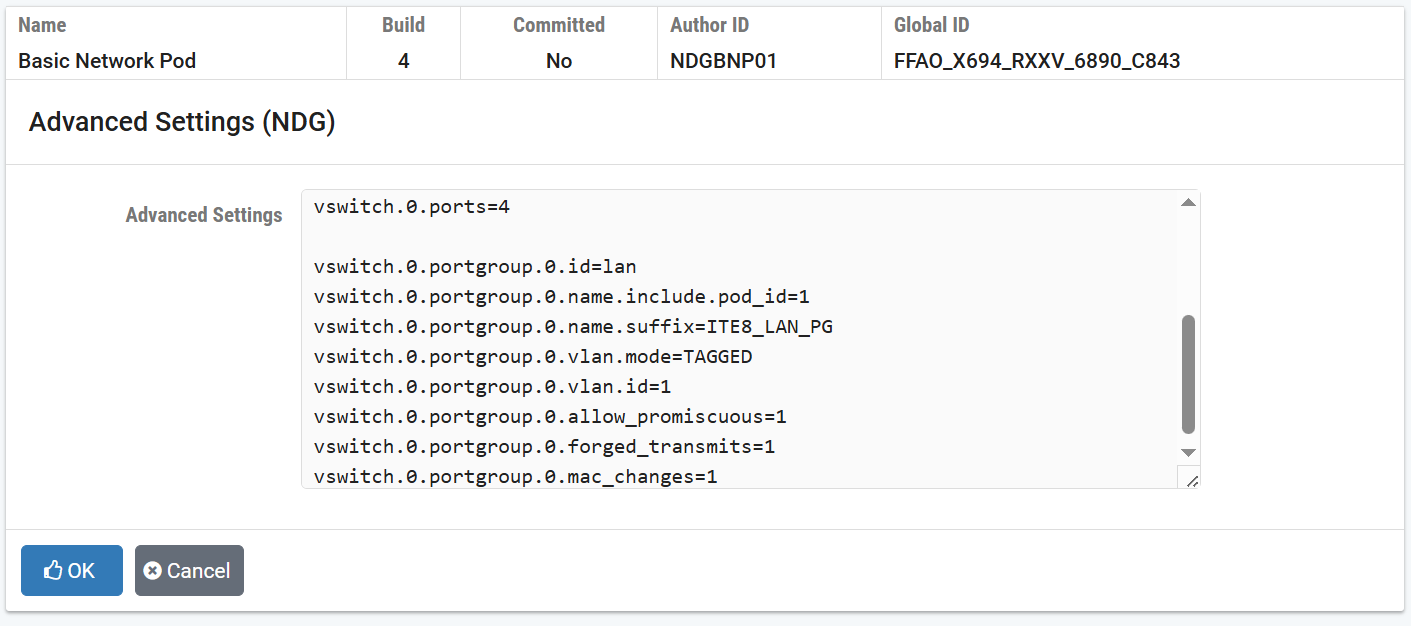
Example
# IT Essentials Pod
pod.requires.vm_same_host=1
pod.requires.vm_types=AVMI,ABSENT

pod.auto.net.supported=1
pod.auto.net.host.setup.supported=1
pod.auto.net.host.teardown.supported=1

############################################

vswitch.0.name.include.pod_id=1
vswitch.0.name.suffix=ITE8_VSWITCH
vswitch.0.ports=4

vswitch.0.portgroup.0.id=lan
vswitch.0.portgroup.0.name.include.pod_id=1
vswitch.0.portgroup.0.name.suffix=ITE8_LAN_PG
vswitch.0.portgroup.0.vlan.mode=TAGGED
vswitch.0.portgroup.0.vlan.id=1
vswitch.0.portgroup.0.allow_promiscuous=1
vswitch.0.portgroup.0.forged_transmits=1
vswitch.0.portgroup.0.mac_changes=1

############################################

# Win10-OS
pc.1.name=Win10-OS
pc.1.target_resolution.width=1280
pc.1.target_resolution.height=960
pc.1.vmx_uuid_action=keep
pc.1.net.vnic.1.portgroup.id=lan

############################################

# Win11-OS
pc.2.name=Win11-OS
pc.2.target_resolution.width=1280
pc.2.target_resolution.height=960
pc.2.vmx_uuid_action=keep
pc.2.net.vnic.1.portgroup.id=lan
- Automated Networking Directives
- Virtual Network Directives
- Remote PC Directives
- pc.<i>.name
- pc.<i>.net.vnic.<n>.portgroup.id
- pc.<i>.net.vnic.<n>.vlan
- pc.<i>.net.vnic.<n>.mac_address
- pc.<i>.target_resolution.width
- pc.<i>.target_resolution.height
- pc.<i>.boot.delay
- pc.<i>.boot.after_pc_index
- pc.<i>.boot.after_pc_extra
- pc.<i>.vmx_uuid_bios_clone
- pc.<i>.vmx_uuid_action
- pc.<i>.nested_vm_support
- Hybrid Pod Directives
- Deprecated Directives
- Advanced Setting Examples