Cloning Pod Designs
Use the Clone feature to create derivative works based on a pod design.
A cloned pod design is a derivative work, not an exact copy. NETLAB+ automatically assigns a new globally unique ID number to the clone.
Note
The cloning feature must be enabled in the general settings. If a Cloning password requirement has been set, the password must be entered in order to proceed.
Navigate to the Build tab.
If the pod design is not already being modified, click on the
Modify Design button to unlock the pod design for editing.
A modification password will be required if one is set for the pod design.
Click the Clone button to create a clone of the
pod design. If the button is not displayed, cloning is not enabled in the
general settings.
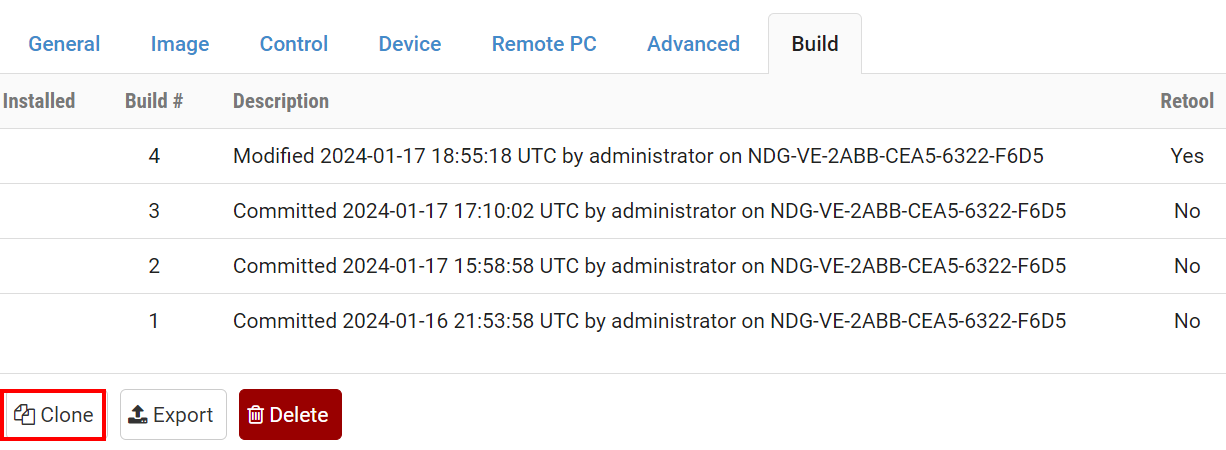
Confirm the cloning by clicking he Clone button.

Modify the settings as needed. See general settings for more information.
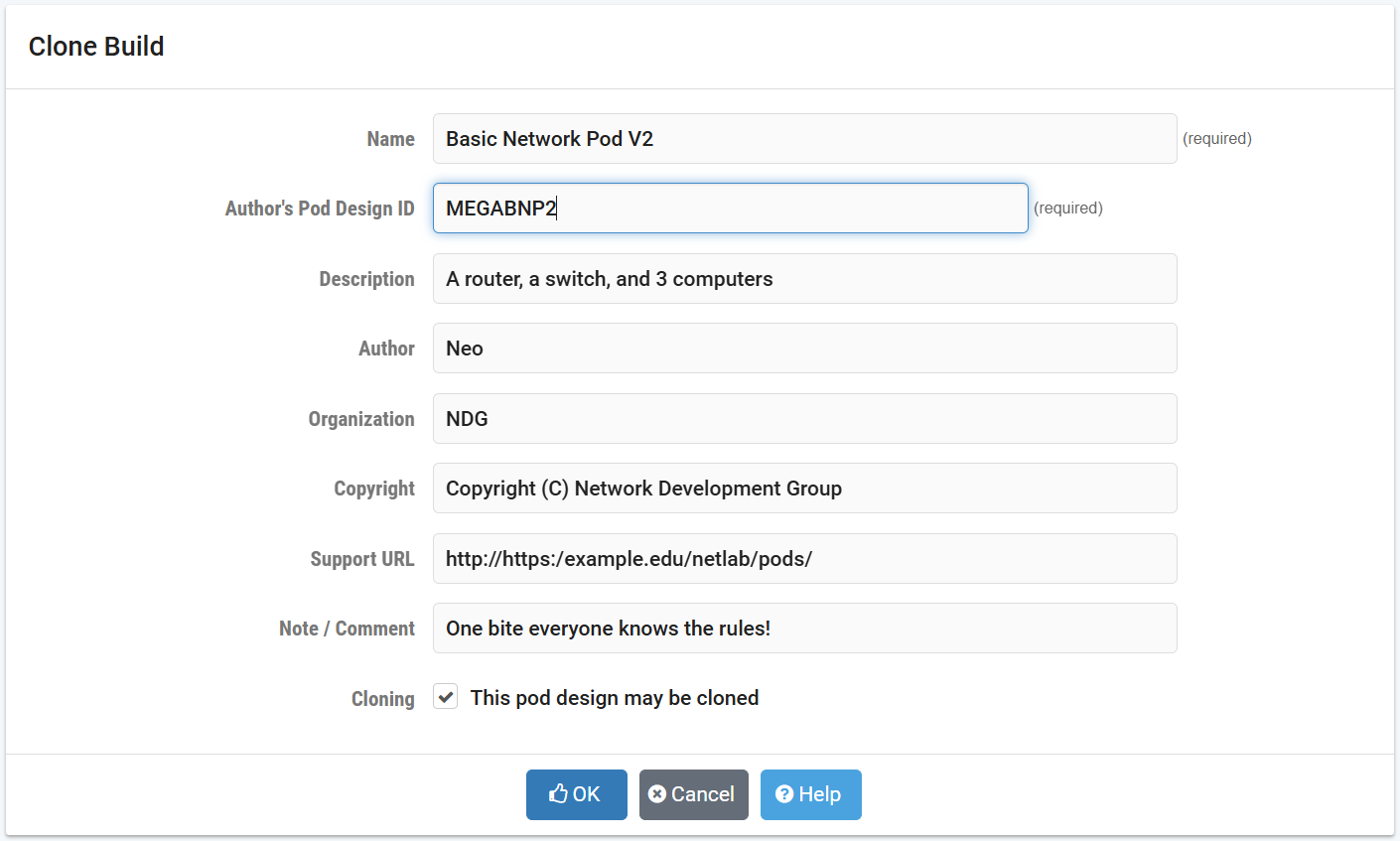
Click OK to proceed with the clone.