Software Updates
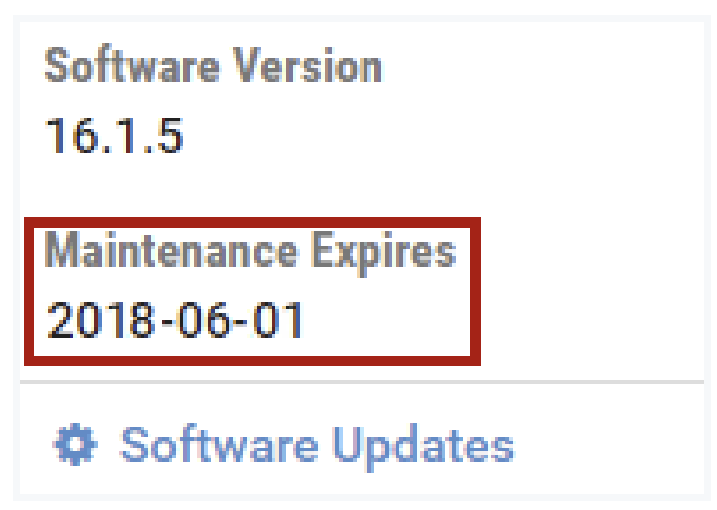
The Software Version of your NETLAB+ system, along with the date that maintenance expires, is displayed in the second panel.
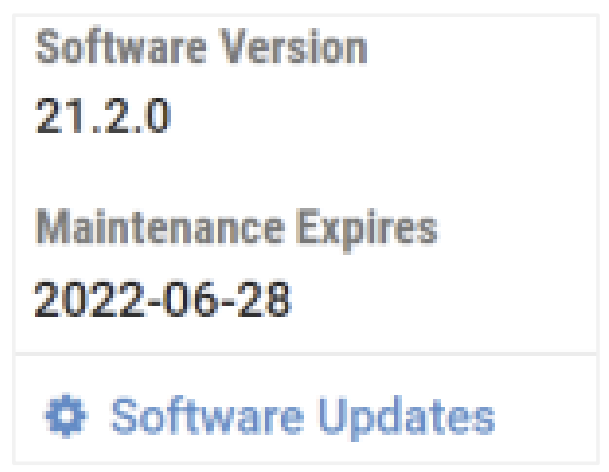
Select the Software Updates option to check for available software updates.
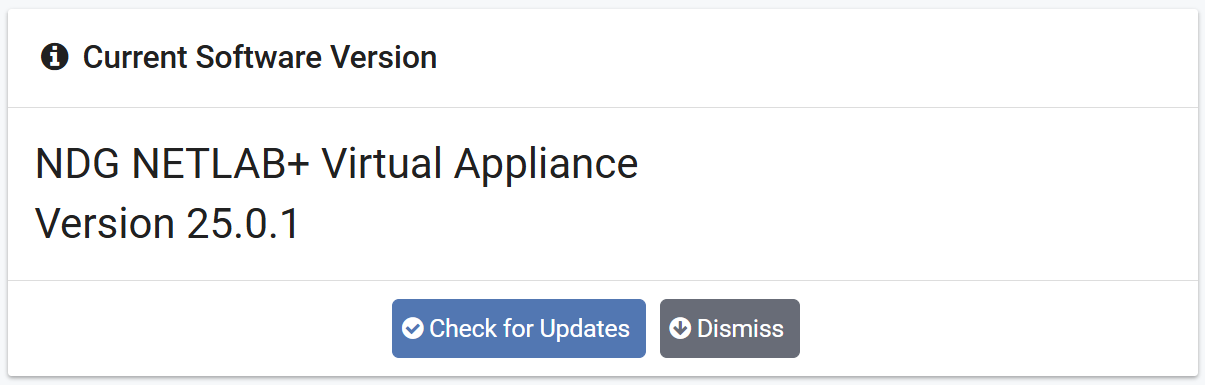
The software version currently running on your NETLAB+ system is displayed.
Click Dismiss to return to the Home page, or select the option to Check for Updates.
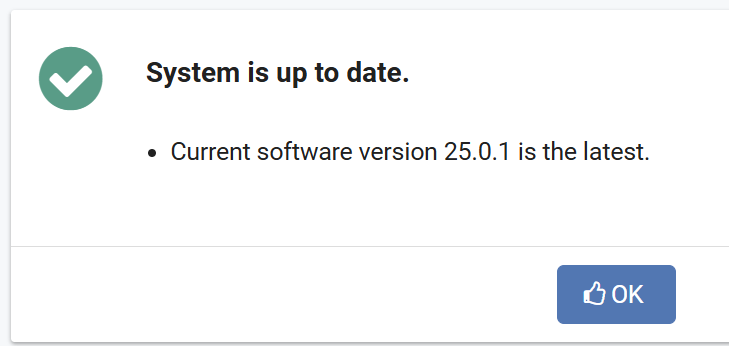
If your system has the latest available software, a message will indicate that the
System is Up to Date. Select OK.
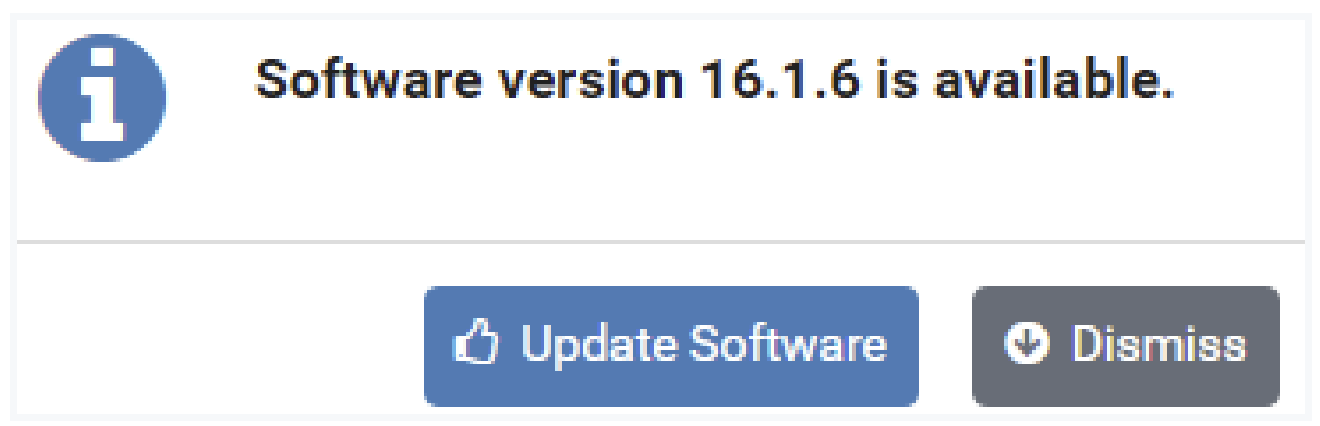
Otherwise, a message will indicate a later software version is available. Proceed to the next section for instructions on updating your NETLAB+ software.
Update NETLAB+ Software
If your NETLAB+ system does not have the latest available software (see the previous section), checking for software updates will result in a message alerting you that a new version is available.
Danger
Before updating the software of your NETLAB+ system, it is strongly recommended that you take a snapshot or backup the NETLAB+ virtual appliance. Please see the Backup the NETLAB+ Virtual Appliance section.
Keep in mind that there is no built-in software downgrade or data restore function. A snapshot or backup of the virtual appliance will be required to recover from a failed software update, or if you decide to roll back to a previous software version.
NDG does not back up software or data in the virtual version of the NETLAB+ product.
Danger
To avoid disruption to users, update the system software at a time when there are no active lab reservations.
Take a snapshot or backup the NETLAB+ virtual appliance (see the Backup Your NETLAB+ Virtual Appliance section for instructions).
Select Update Software.
If there are active reservations, the number of pods in use will be displayed, and
you will be prompted to confirm to continue. You may press Yes - Continue, but
keep in mind that any current reservations will be disrupted.
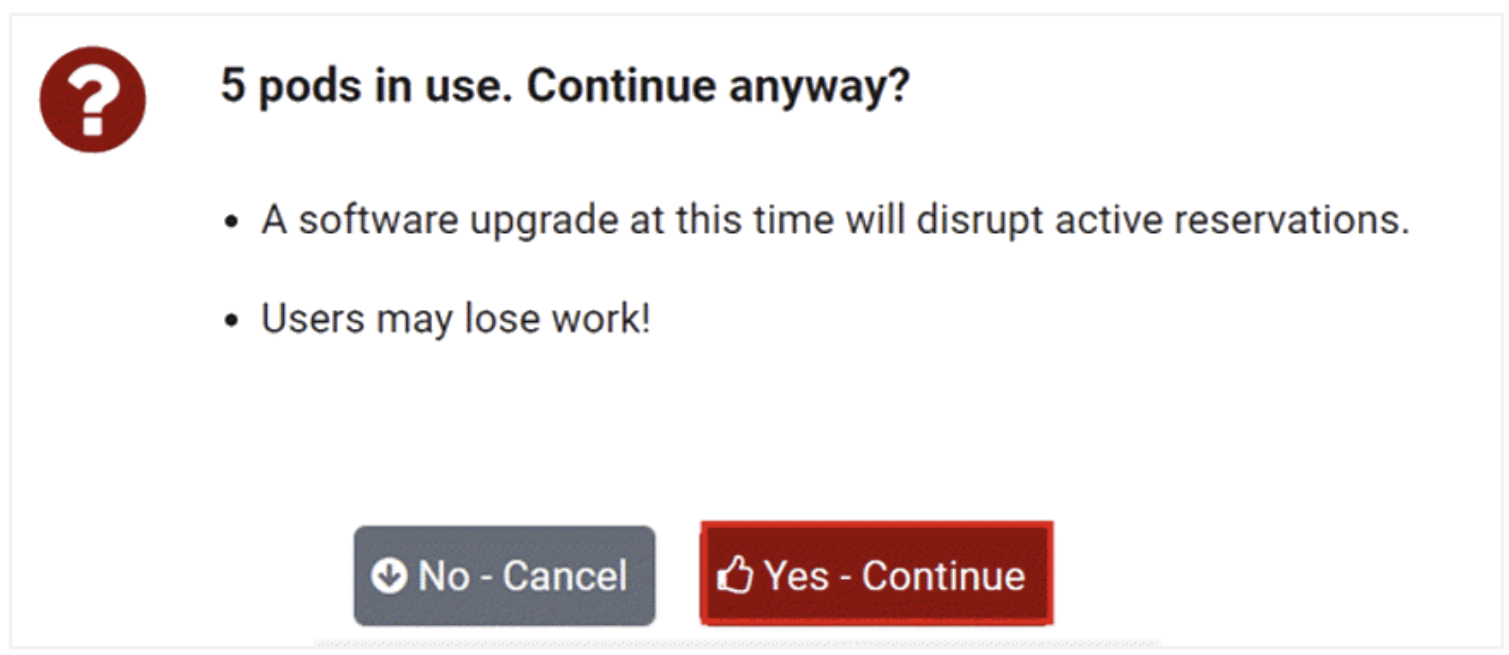
You will be prompted to verify that you have taken a snapshot or backup; if you
have, select Yes - Start the Update.
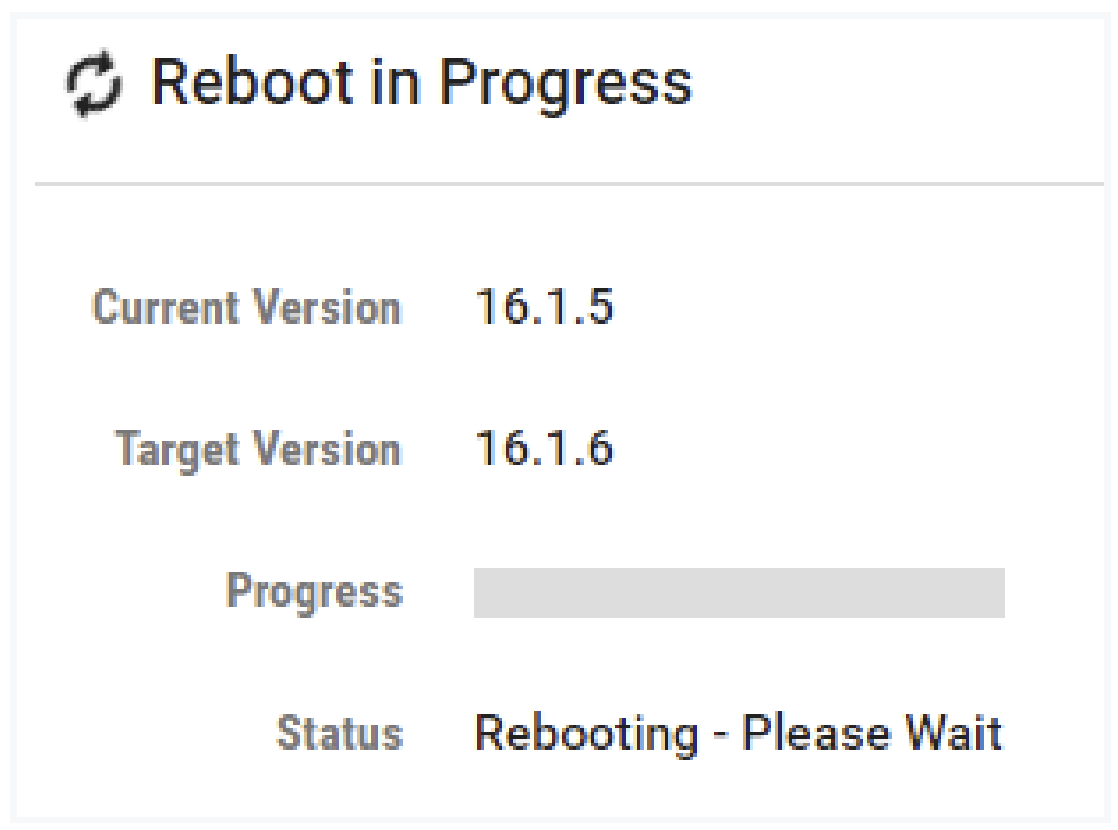
You may see messages indicating that a Reboot is in progress.
Maintenance Expiration Date
For your convenience, your NETLAB+ system displays the status of your system maintenance agreement. The maintenance fee covers the cost of technical support and software updates. The last day of your current maintenance agreement is displayed.
Note
You are strongly encouraged to arrange payment to continue your maintenance support prior to the Maintenance Expires date to avoid any disruption of services.
To submit a price quote request, please see: https://www.netdevgroup.com/price_quote
Note
Software updates are made available only to systems that are current on their maintenance.