Time Synchronization
NETLAB+ includes an option to manage NTP servers or host-based time synchronization. With the default method, NTP, NETLAB+’s time client relies on access to the NTP hosts designated for time service. Time synchronization settings can be configured as needed.
To see the current settings for Time Synchronization, select }} > System Settings > Time Synchronization.
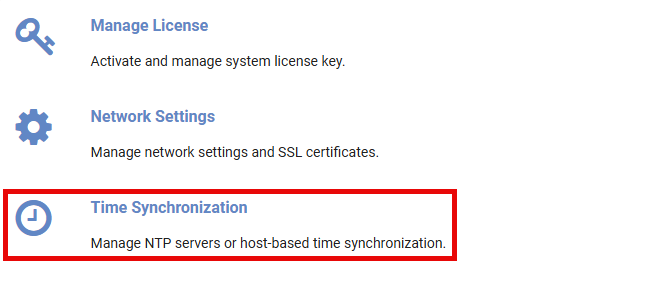
The Time Synchronization page will be displayed, showing the current settings.
Additional settings can be displayed by selecting the Detail Status button.
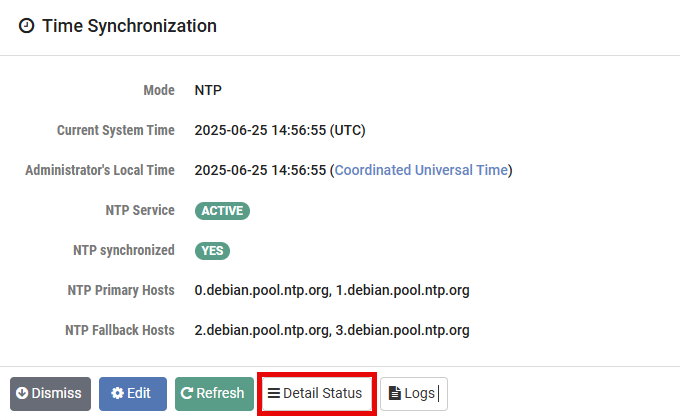
The Time Synchronization Detail Status page will be displayed, showing
additional details that may be helpful for troubleshooting. Review the details
shown and then click Dismiss.
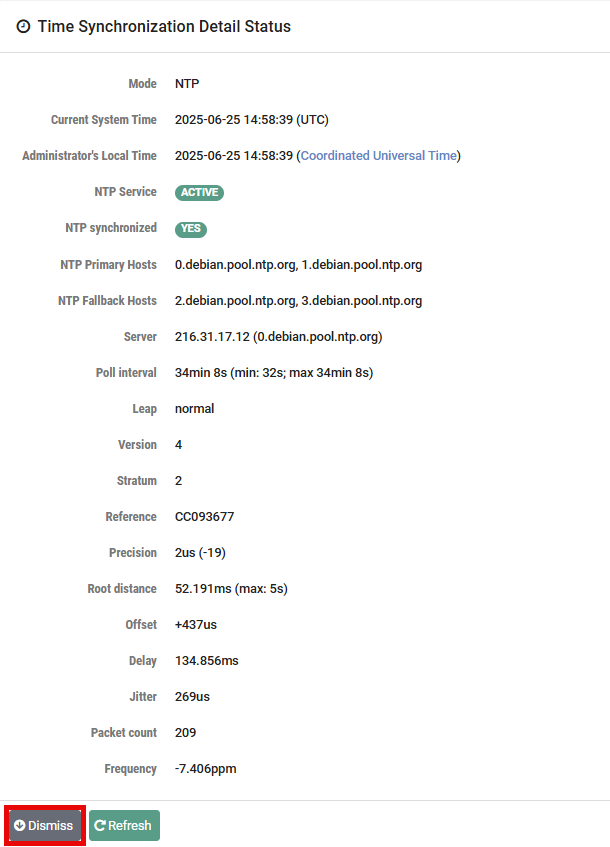
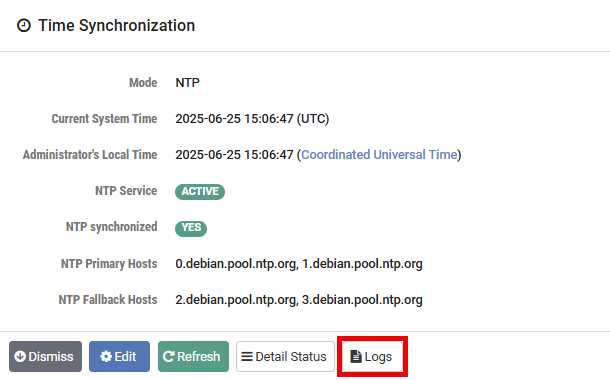
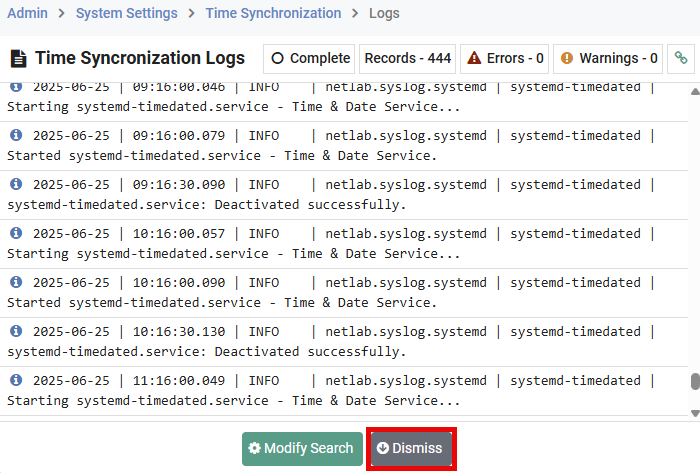
Next, back on the Time Synchronization page, you may review system log entries
filtered to display entries related to Time Synchronization. Select the Logs
button.
The Time Synchronization Logs page will be displayed. Click Dismiss.
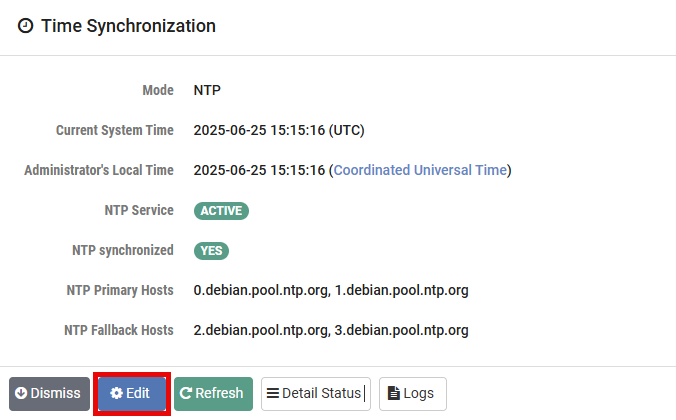
Next, on the Time Synchronization page, notice that the Mode being used is the
default, NTP, and that the NTP Primary Hosts and NTP Fallback Hosts are listed.
To edit the settings, select the Edit button.
Danger
NTP mode is recommended, rather than HOST. Reliance on time from the Guest Agent is not reliable because the hosts are not being configured with NTP, or the host site does not provide/allow NTP.
The Edit Settings page will be displayed, showing the current settings for the
mode. Refer to the field descriptions below and make changes as needed. Click
Submit.
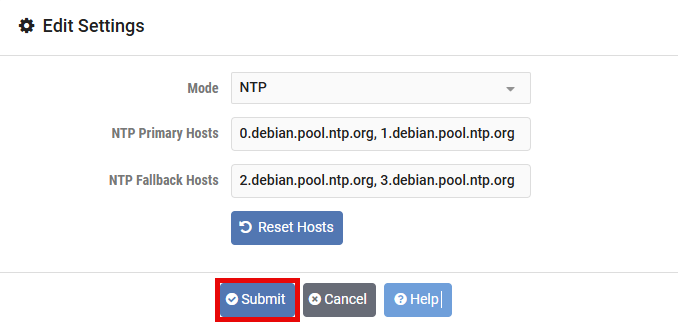
- Mode:
Time synchronization mode, select from the following:
NTP: An NTP configuration with user-specified NTP hosts.
HOST: Disable NTP and allow the VM host to manage time synchronization (not recommended). If you do choose this option, you must access the time synchronization settings through the Proxmox VE interface.
- NTP Primary Hosts:
A comma-separated list of primary NTP service hosts. Values may include IP addresses or fully qualified domain names. The default value may be revised if firewall and/or security policies at your organization do not allow access to the host(s) listed. The default value is: 0.debian.pool.ntp.org, 1.debian.pool.ntp.org. To return to the default settings, use the Reset Hosts option to set all of the NTP host fields to their original default values. Note that the changes must be submitted for them to take effect.
- NTP Fallback Hosts:
A comma-separated list of fallback NTP service hosts. Values may include IP addresses or fully qualified domain names. The default value may be revised if firewall and/or security policies at your organization do not allow access to the host(s) listed. The default value is: 2.debian.pool.ntp.org, 3.debian.pool.ntp.org. To return to the default settings, use the Reset Hosts option to set all of the NTP host fields to their original default values. Note that the changes must be submitted for them to take effect.