Connect to the Administrator Interface
The web-based interface allows the administrator to monitor and maintain the NETLAB+ system and devices. This interface is accessible to the administrator.
To access the login page, direct a web browser to the address of the NETLAB+ system. Using the most recent available version of the browser you select is recommended. Supported browsers can be found here: Browser Support
Warning
Cookies and JavaScript must be enabled in your browser. The latest information on supported web browsers is available from Help > Supported Web Browsers when signed in to a NETLAB+ account.
Because SSL is not yet configured, you will receive a warning that your connection is not private.
Your options to continue will vary, depending on your browser selection. Chrome users should select Advanced, as shown below.

Select the option to Proceed to the page (the options displayed vary, depending on your browser selection).
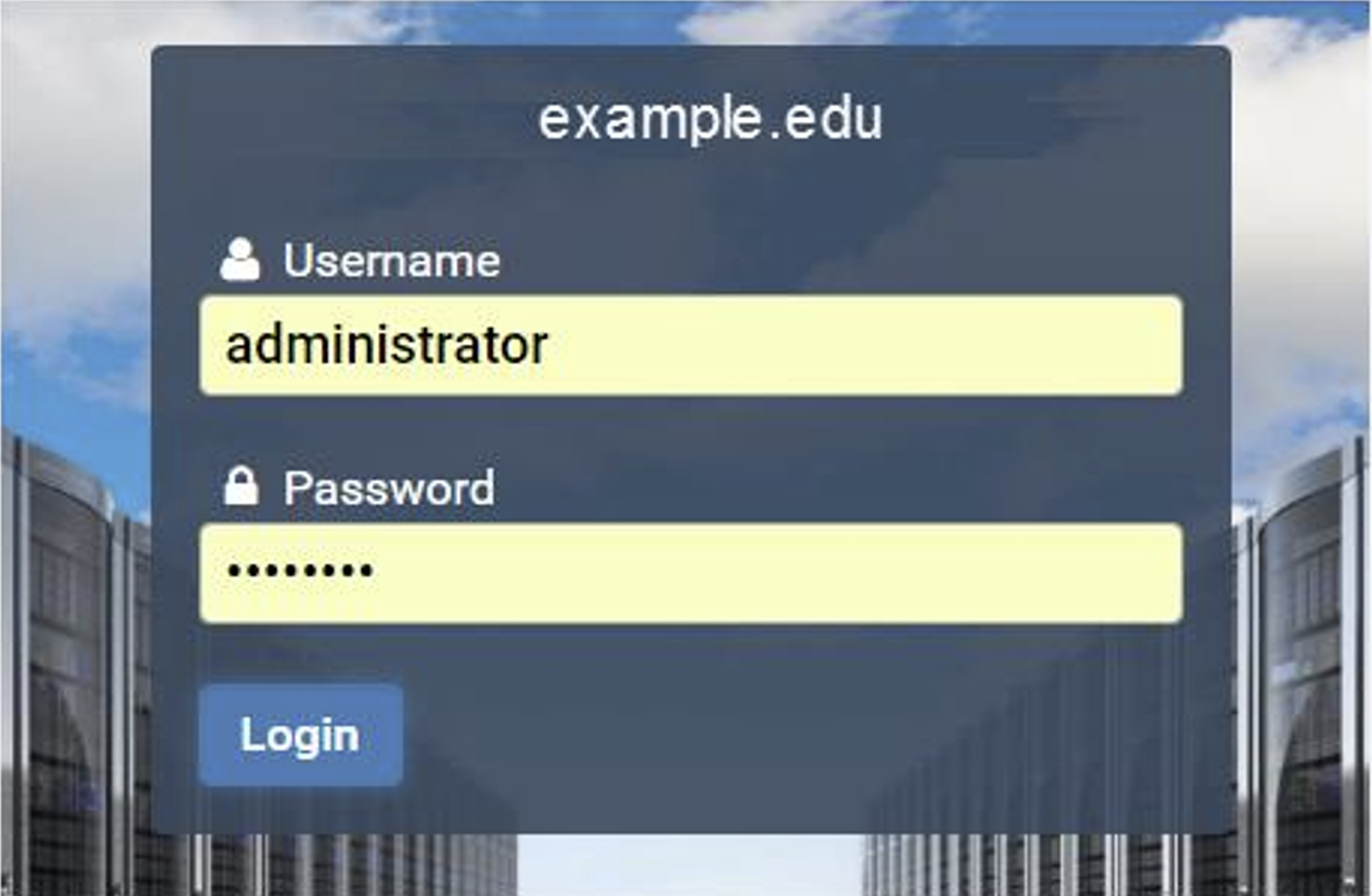
Enter the Username and password, as noted in the table below. Click the Login button. The graphics on the page may be different from the example shown below.
Username |
Password |
|---|---|
administrator |
If you changed the password as directed while configuring the NETLAB+ console, use your new password. If you have not yet changed the administrator password, enter the factory default, |
Change the Administrator Password
Warning
If you have already changed the factory default password, skip to the next section.
If you did not yet change the factory default password, the Change Password screen will be displayed during the initial login into the administrator account, requiring you to change the password. NETLAB+ enforces strong passwords.
Tip
Please record your new password in a safe place.
Passwords must meet the following requirements:
The default requirements shown below can be revised by the NETLAB+ administrator by editing the Password Policy settings.
Must contain 8 or more characters.
Must not contain more than 64 characters.
Must not contain any common, English, dictionary words that are more than 3 characters long.
Must not contain the user ID for this account.
Must not contain the email address for this account.
Must not contain any names associated with this account.
Warning
Changing the administrator account password also changes the system console password. The same password is used for both functions.
Tip
Notice the Help button. You can click the Help button on this and other NETLAB+ pages to display information to assist you in entering information and making selections. To hide the help information, click the button again.

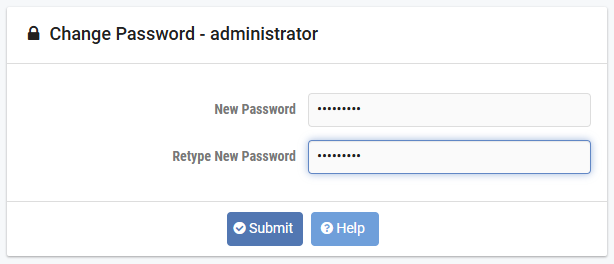
Enter your selection into the New Password field.
Enter the password once again in the Retype New Password field and then click Submit.
Note
An error message will be displayed if the password entered does not meet the requirements. The message will indicate why the password was unacceptable.
Examples of typical password errors:
The error message shown below indicates that the new password entered is a simple word found in the common dictionary and, therefore, not eligible to be a password on the system.

If the values in the two password fields do not match, an error message will be displayed, similar to the one shown below.

Warning
If you receive an error, correct the information in the fields as needed and click Submit again.
Note
Make note of your new password, you will need it each time you log into the NETLAB+ system.
Administrator Home Page
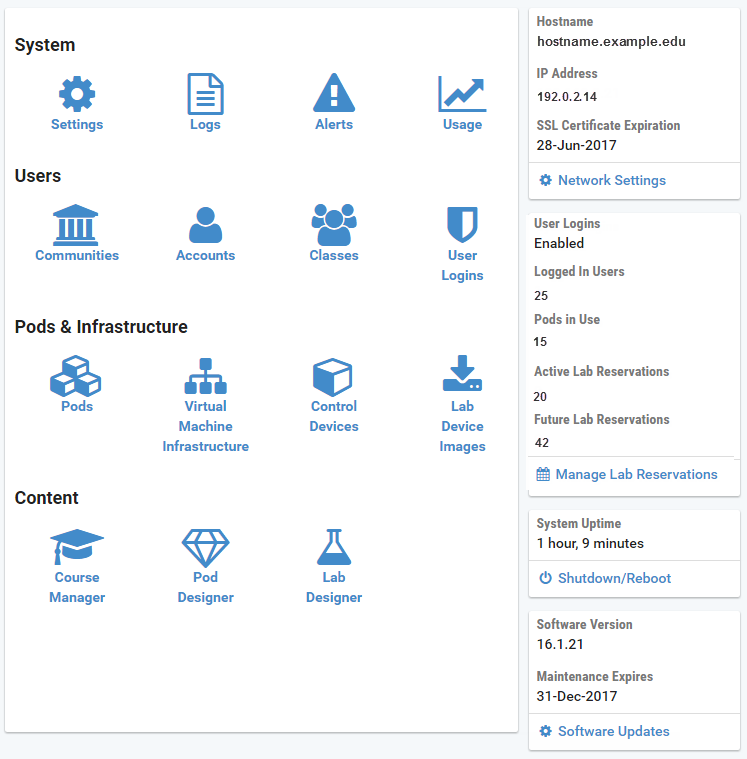
After a successful login, the Administrator Home page will be displayed. The administrative functions in the main panel include displaying various system logs and alerts, user management, pods and infrastructure, and content management. Select any function by clicking on the icon or the function name. On the right, system information is displayed.
Tip
Please refer to the NETLAB+ VE Administrator Guide for details on the features and functions of NETLAB+ that are accessed through the Administrator interface.