Physical Environment
NETLAB+ is designed to be deployed in a datacenter environment or server room.
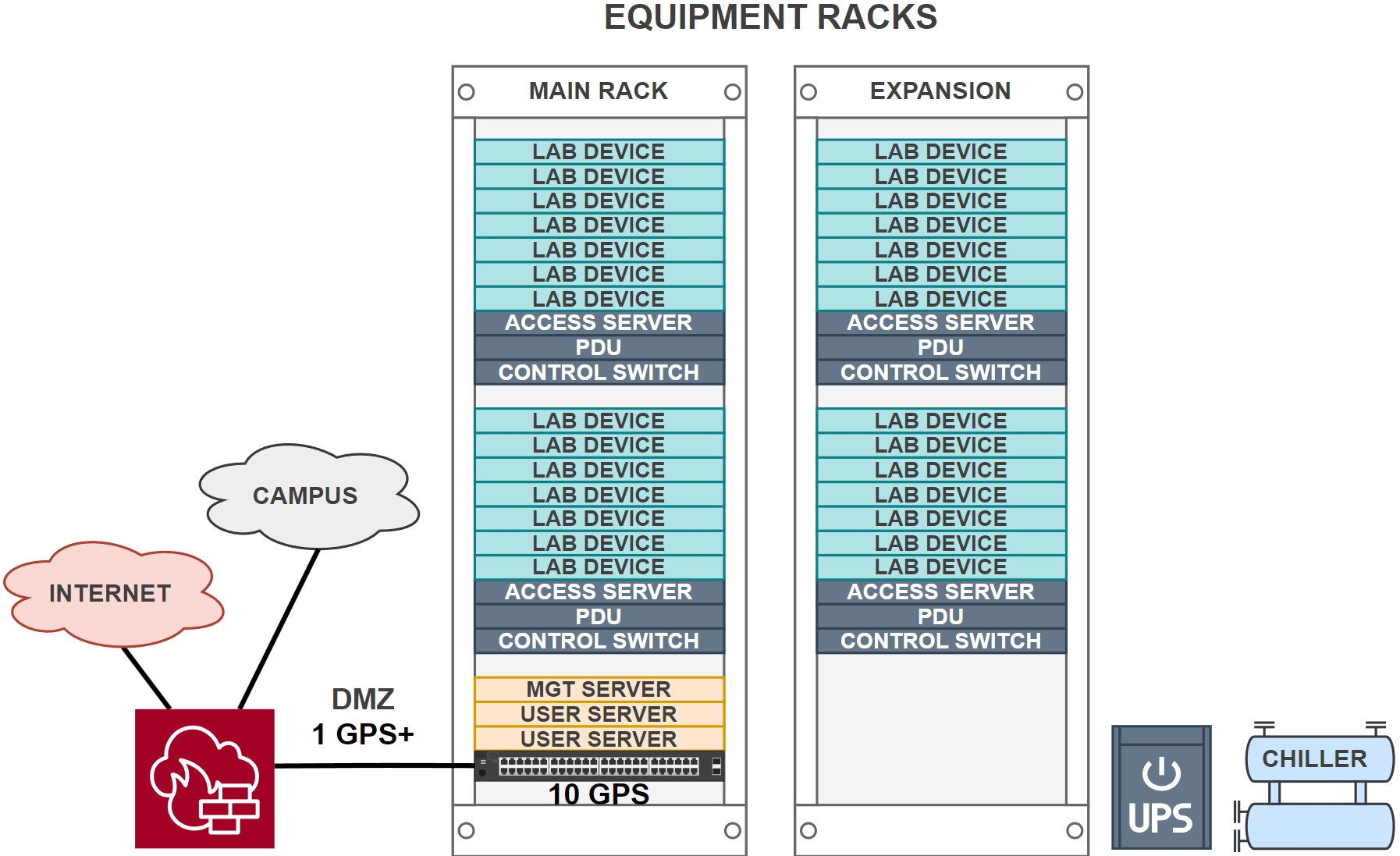
Racks
Equipment should be mounted in standard 19-inch racks. Each rack should have sufficient space for the servers, networking equipment, and any other components required for the NETLAB+ system. The rack should also have proper cable management to ensure that cables are organized and do not obstruct airflow. NDG recommended servers are 1U rack-mounted servers with rail kits for easy installation and removal.
The normal rack space requirement for a NETLAB+ VE installation is between 4U and 10U depending on the number of servers and networking equipment used in the installation.
If you are using real lab equipment pods (i.e. Cisco content), additional racks may be required.
Power
Your datacenter needs a reliable power supply. We recommend an Uninterruptible Power Supply (UPS) to safeguard against power outages and prevent data loss.
- Understand power requirements:
Pay close attention to the specific power needs of your servers and networking equipment.
- Verify cords and plugs:
Be sure to check the required power cords and plug types for each device.
- Voltage flexibility:
Many devices and datacenters support a wide range of voltages (100-240V) and various plug types. For instance, in North America, datacenters often offer both 120V and 208V power feeds, which will directly impact the cords and plugs you’ll need for your equipment.
Network
The datacenter should have high-speed internet connectivity with sufficient bandwidth to support the number of users and devices connected to the NETLAB+ system. NETLAB+ and its components should be placed in a Demilitarized Zone (DMZ) to ensure security and isolation from the internal network, so it is favorable to colocate the NETLAB+ DMZ with the site firewall.
A managed 10 Gb/s switch with VLAN support is recommended for connecting virtual machine host servers in the NETLAB+ DMZ.
A minimum of 1 Gb/s is recommended from the NETLAB+ DMZ interface to the internet.
Temperature Control
The datacenter should be climate-controlled to maintain an optimal temperature range for the servers and networking equipment.
Supported Hardware
See the hardware support section for a list of recommended and supported hardware.