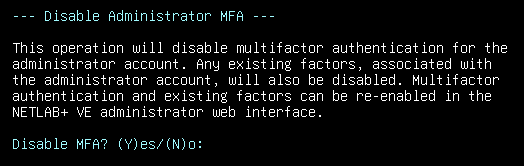
Disable Administrator MFA
NETLAB+ supports multifactor authentication (MFA). MFA requirements are set through the NETLAB+ administrator interface for the administrator, instructors, and students, as described by the NETLAB+ Administrator Guide.
Warning
Disabling administrator MFA is particularly useful if you find it necessary to override previously set administrator MFA requirements to regain administrator access to your system.
Note
Choosing this option will disable multifactor authentication for the administrator account. Any existing factors associated with the administrator account will also be disabled. Multifactor authentication and any existing factors can be re-enabled in NETLAB+ administrator web interface.
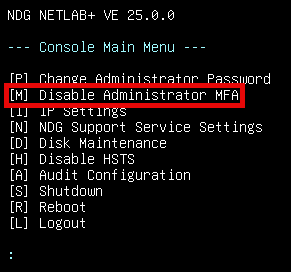
Press M to Disable Administrator MFA from the Console Main Menu.
To confirm, press Y for Yes.