Removal of Host Server
Warning
You only need to remove the host server from the NETLAB+ Virtual Machine Infrastructure that you are initially installing Proxmox VE on. Remember, this is a staging server before installing Proxmox VE on your management server.
Confirm all virtual machines have been removed from this server in the VMware vCenter Server interface.
In the NETLAB+ Administrator interface, navigate to > Virtual Machine Infrastructure.
Click on Virtual Machine Host Servers.

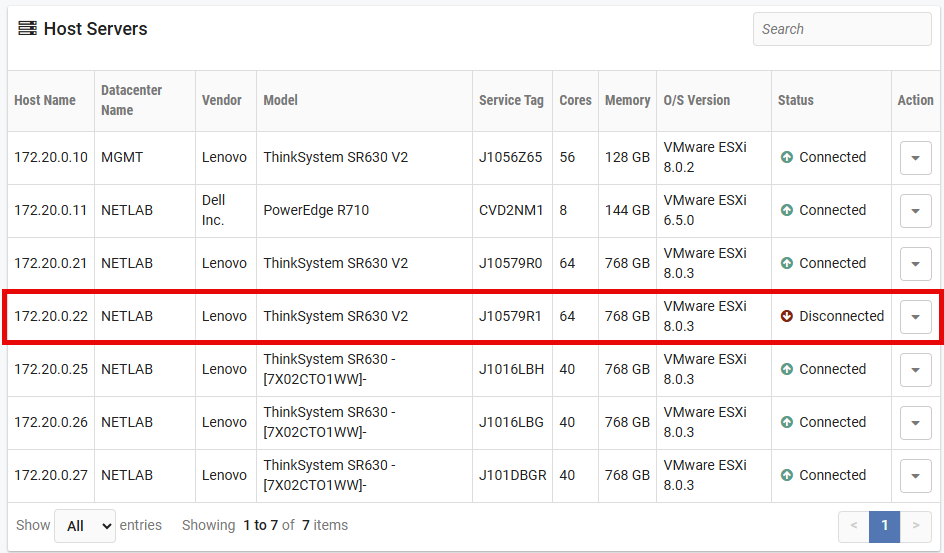
Click on the server you want to remove. In this example we will click on 172.20.0.22.
Note
The server in this example has already been powered off, which is why the Status is shown as Disconnected.
Confirm this is the correct server information. Then scroll down and click on Delete button.

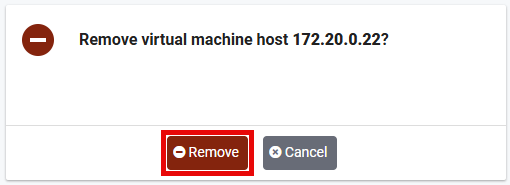
Click the Remove button.