Removal of NDG Catalog Master VMs
Warning
If you have made significant changes to these VMs for your environment, then you should treat these as custom VMs and follow the section for custom VMs.
Navigate to > Virtual Machine Infrastructure.
Click on Virtual Machine Inventory.

Use the search bar at the top right to filter pods based on keyword Master.
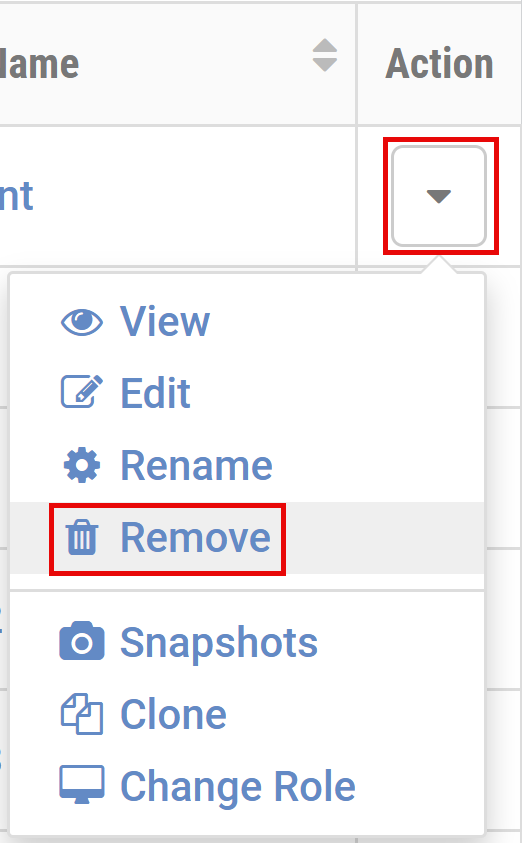
For each NDG Catalog Master VM, click the arrow below the Action column on the right > Remove.
Select Remove VM from NETLAB+ inventory, datacenter, AND delete unshared VM files from disk > Remove.
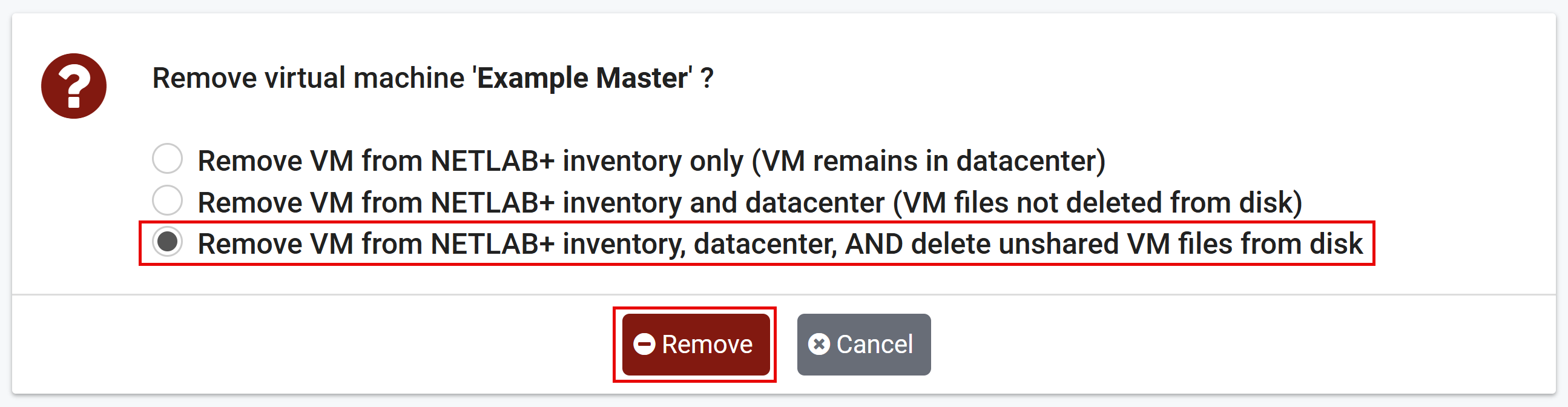
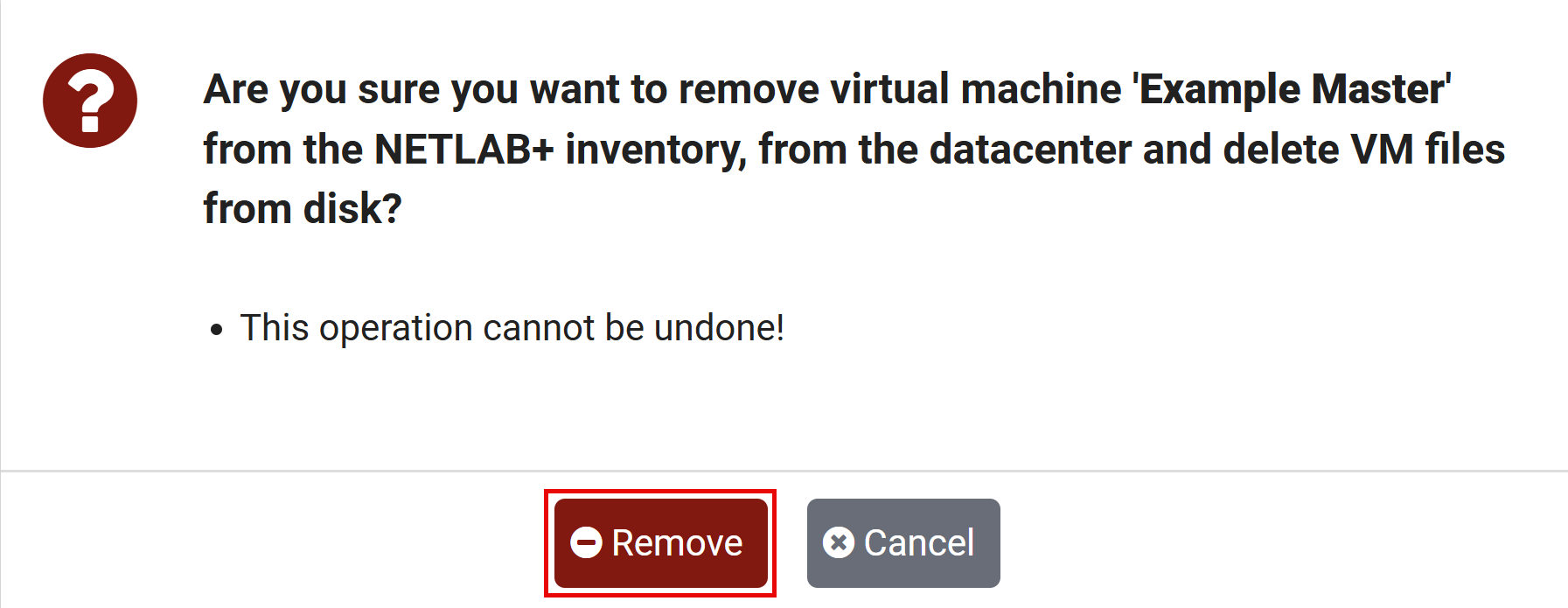
On the confirmation window, click the Remove button.
If necessary, repeat this process for each NDG Catalog Master VM. Do not remove any custom VMs at this time.